Compact mode
Hide the sliders with one tap and keep just the wheel. More room for your canvas.
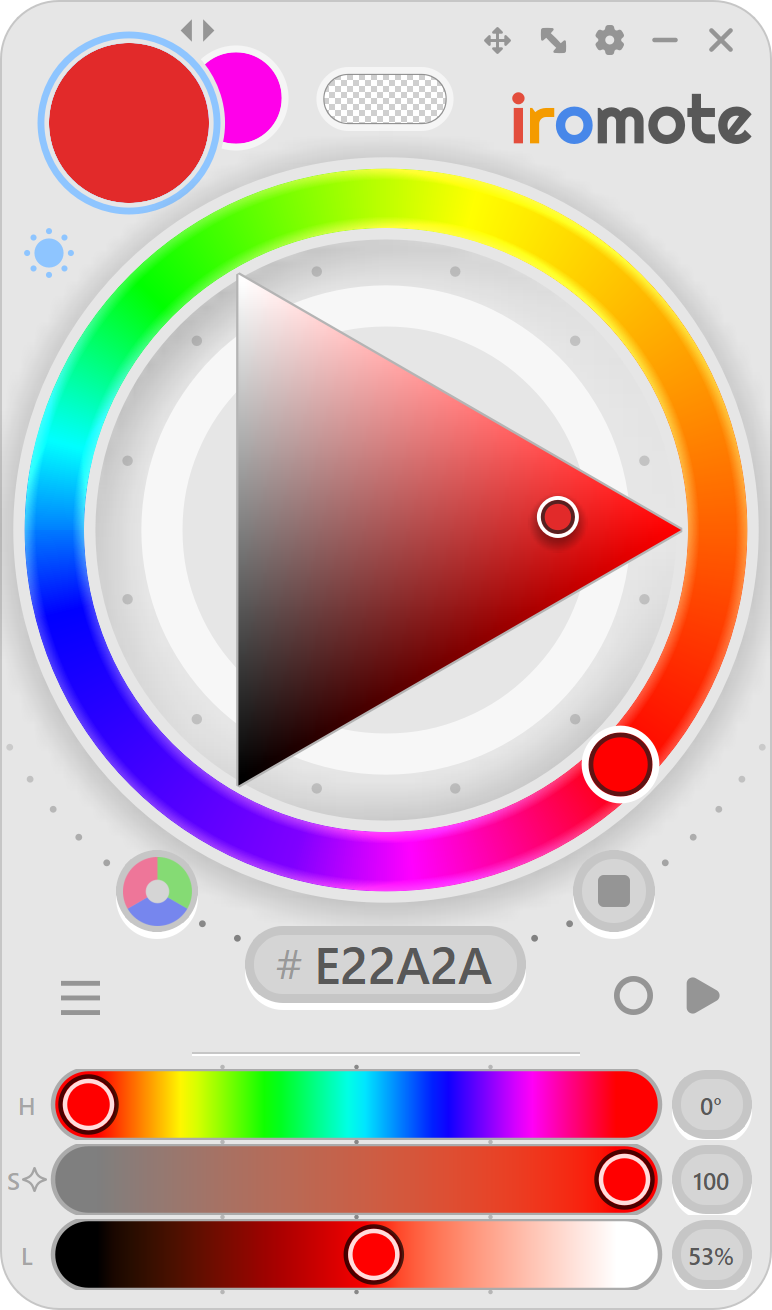
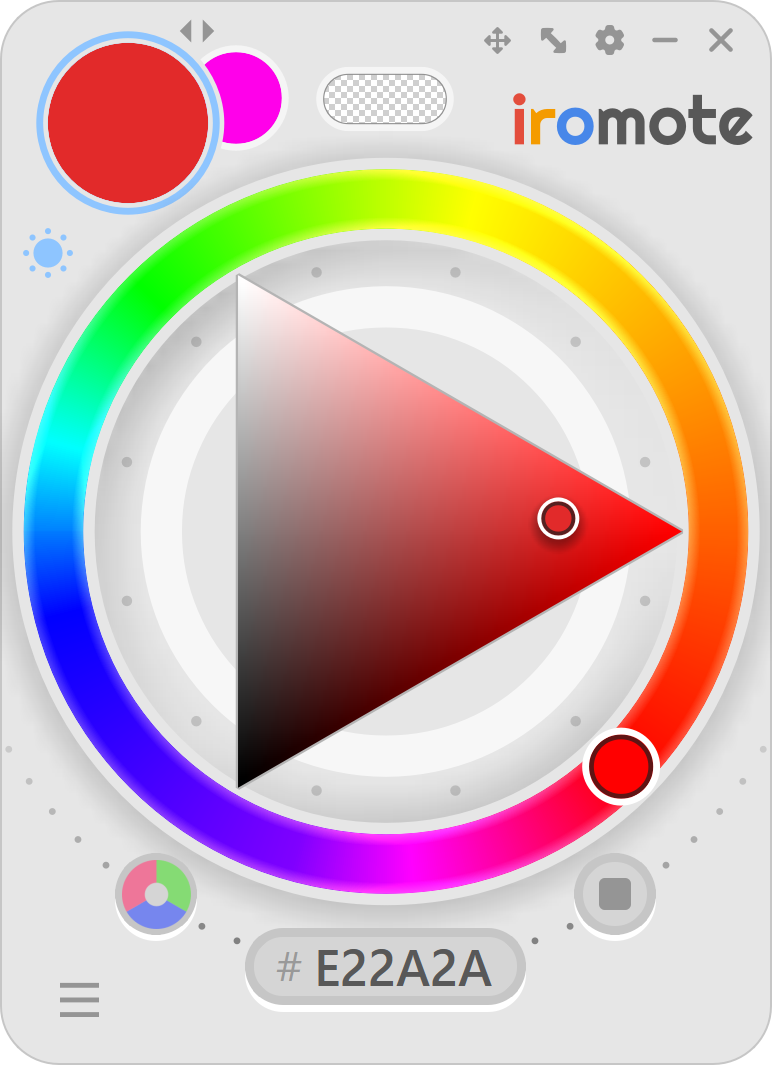
poof →

The color picker for Clip Studio Paint that gets what you want. iromote was built to think like an artist, and see colors the way your eyes do.
Windows 10 & 11 · CSP Pro & EX · macOS coming soon
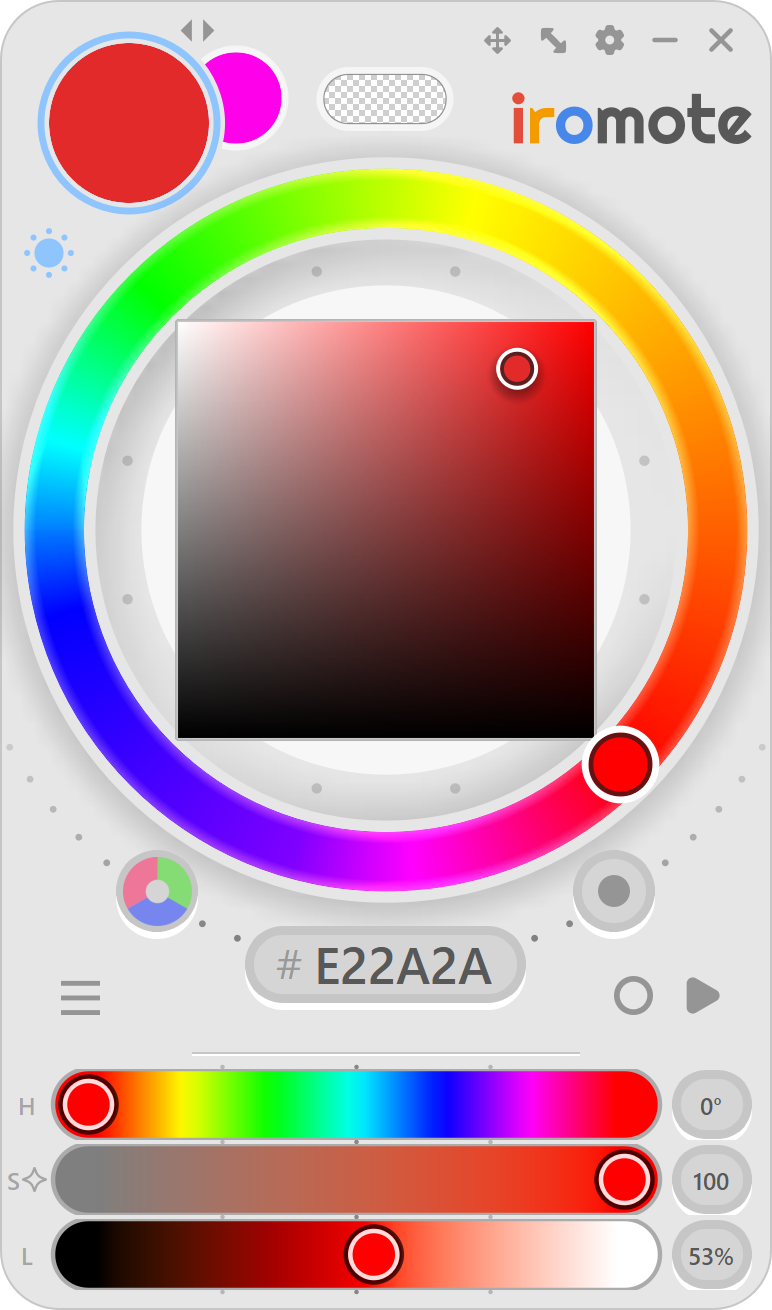
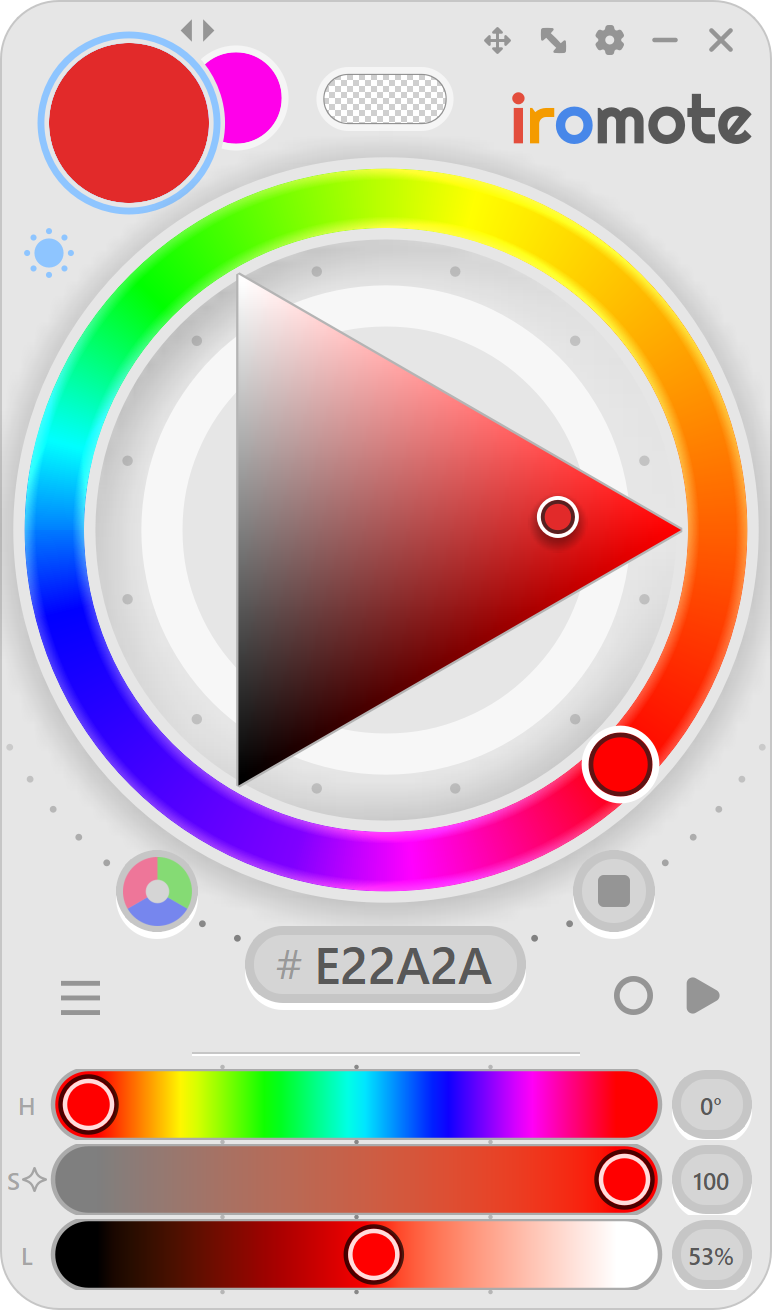
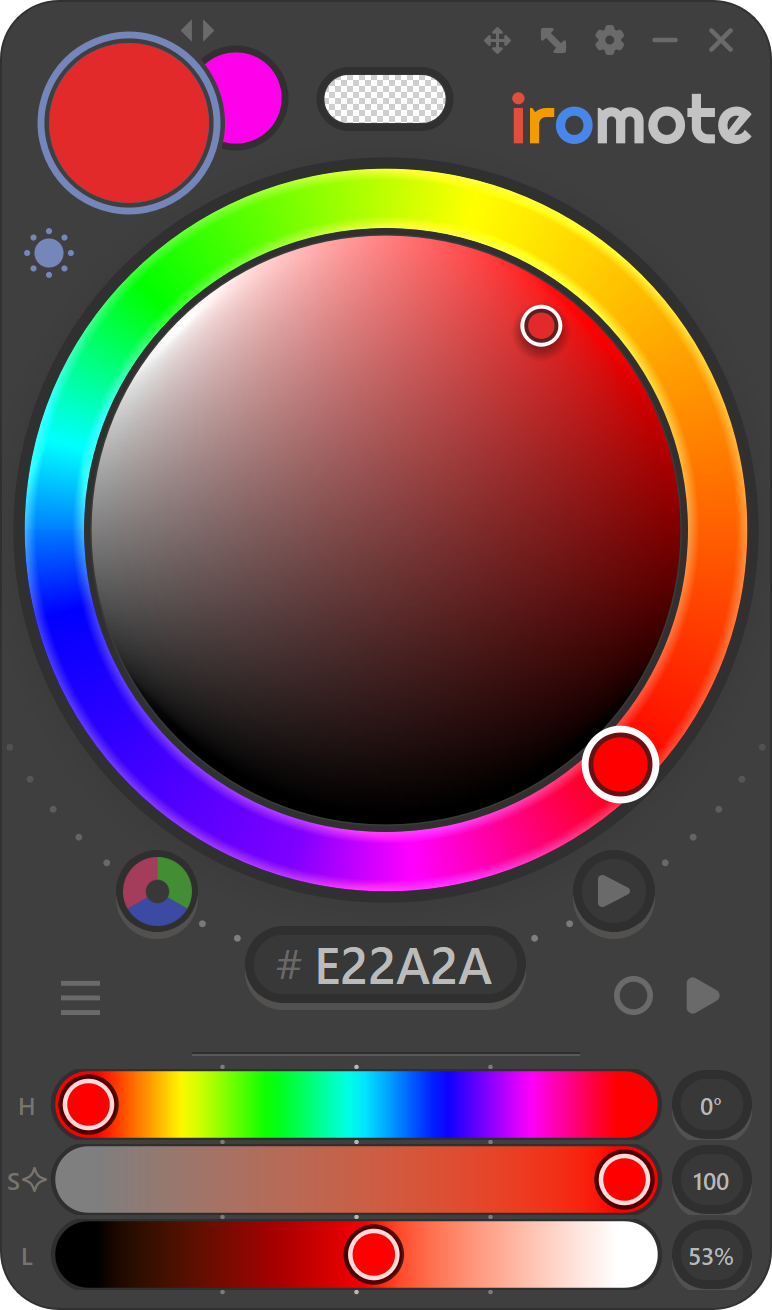
iromote follows your eye and what you meant to do. When you change the hue or saturation, everything else stays the way you meant it.
Turn this blue into teal and purple.
Keep the value and saturation looking the same.
Make this blue less saturated, then more saturated.
Keep the value looking the same.


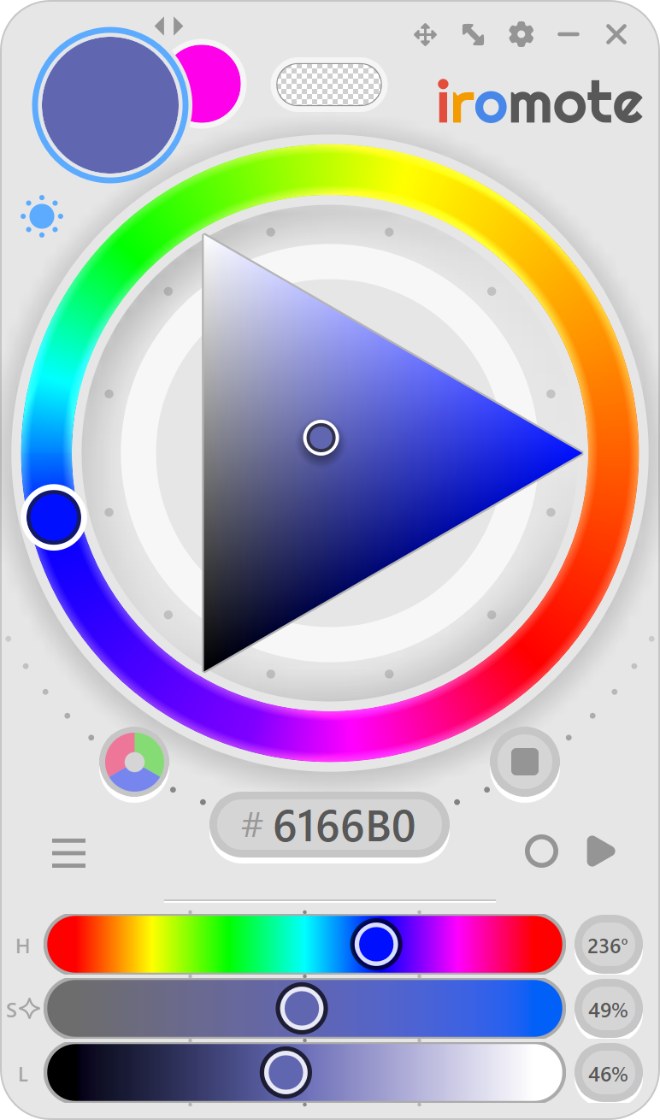
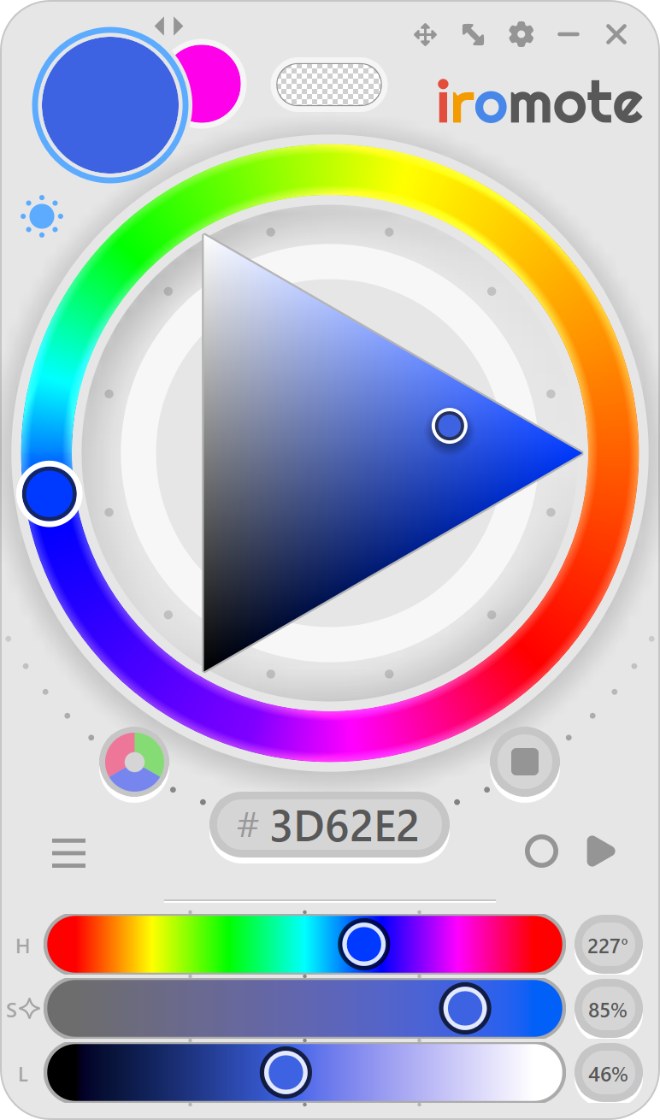
You saw the S number move, didn't you? Good catch!
We're gonna get a little bit nerdy here 🤓.
Every hue has its own saturation range. For example, purple has more saturation range than teal. iromote lets you reach every bit of that saturation range. When you change the hue, iromote keeps the saturation looking the same to your eye. This is why on each hue, the saturation handle looks like it's moving on the slider despite having the same saturation level.
You can see in the picture above how each hue has its own amount of saturation range. iromote kept the saturation the same, yet they each sit in a different percentage of S bar.
To your eye, yellow is far brighter than blue. Most pickers treat them as equal, so sliding the hue quietly throws off your lighting.
Turn on Luminosity Lock to keep your lightness steady. Push warmer rim light and cooler bounce light without having to readjust your values.
A default Value slider fills the gap between dark and light with dull in-betweens. iromote's Lightness slider keeps every step rich, from deep shadow to bright highlight.
Pick rich colors right away, without thinking about it.
iromote is built on the color theory the old masters used. Its Red-Yellow-Blue wheel pairs colors the way real paint does, so the complements and harmonies you learned work right away.
Pick a triangle, square or circle. Show the sliders you use and hide the rest. Paint like you always have. iromote follows your way, not the other way around.
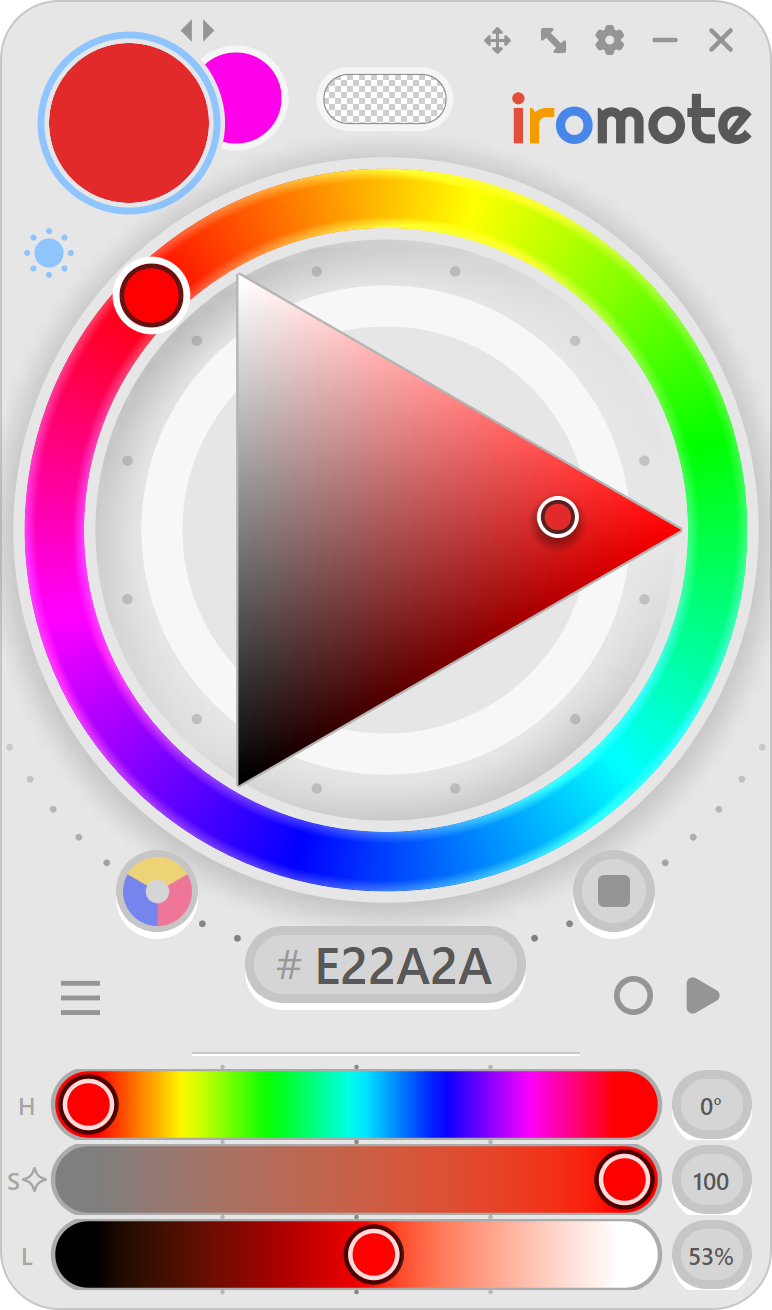
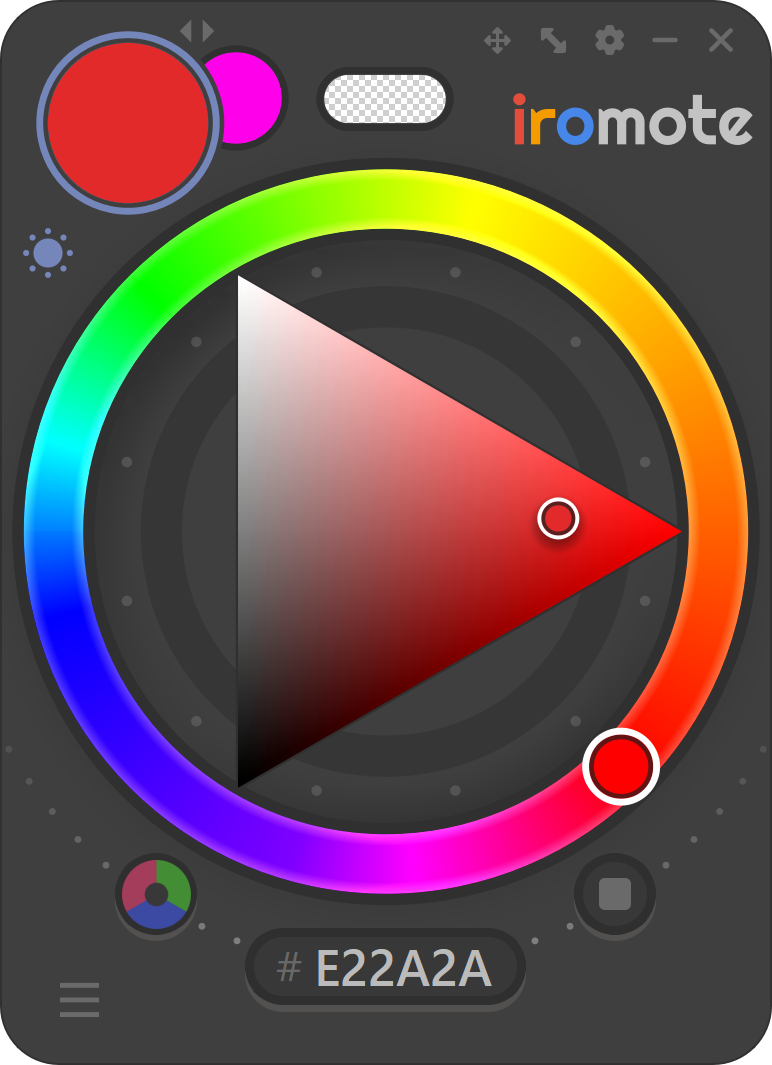
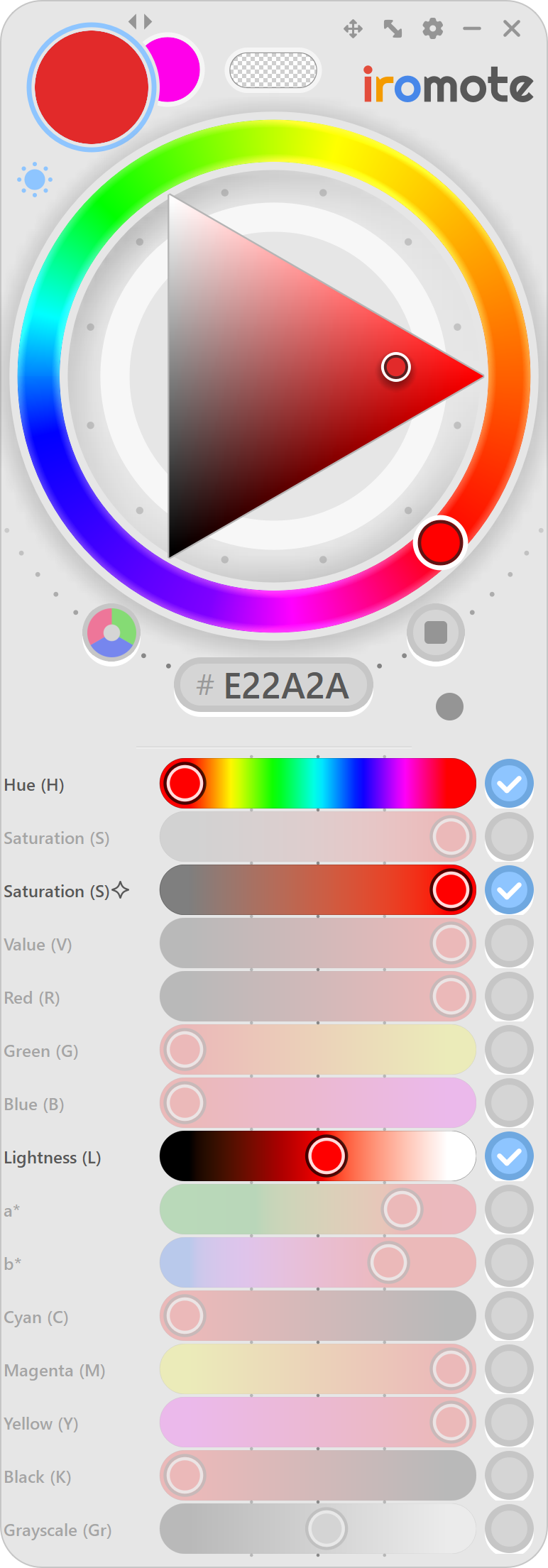
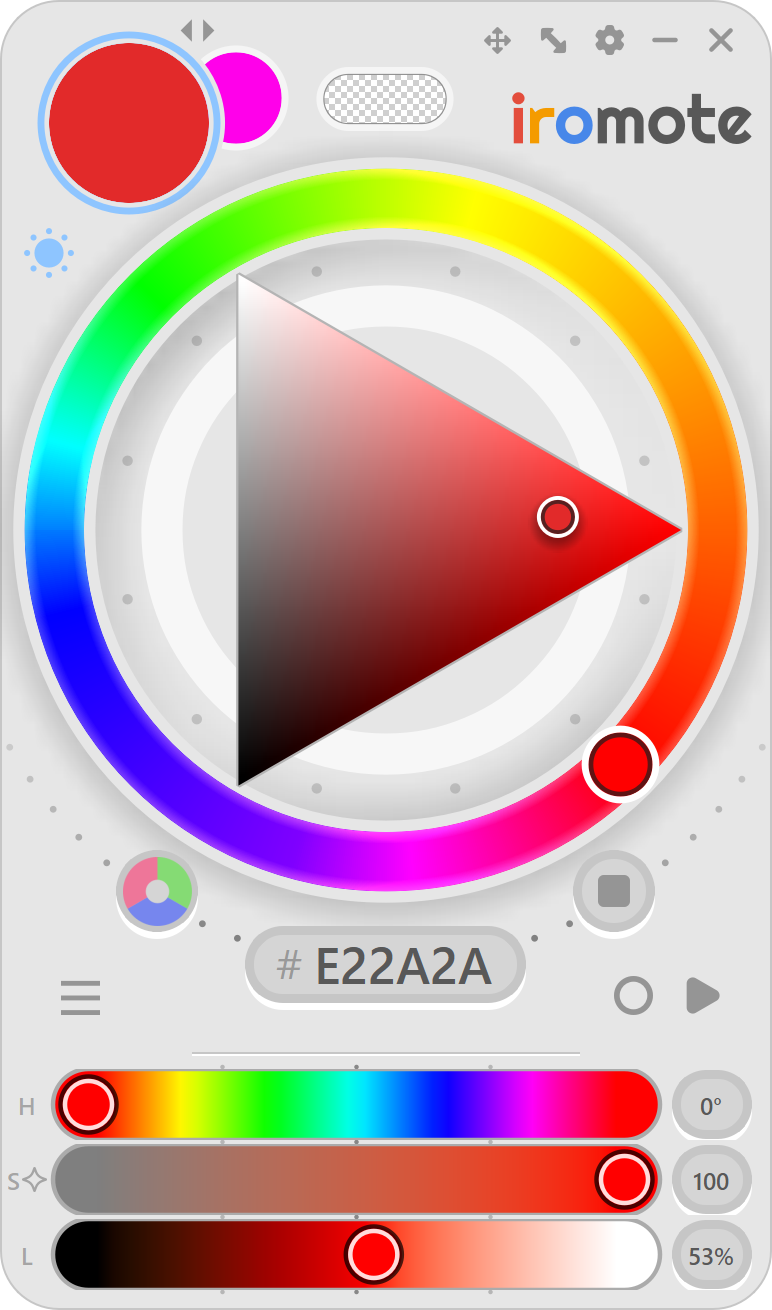
Light or dark, iromote looks like part of CSP from the first click. It could sit where CSP's color wheel used to be, and you'd have nothing new to get used to.
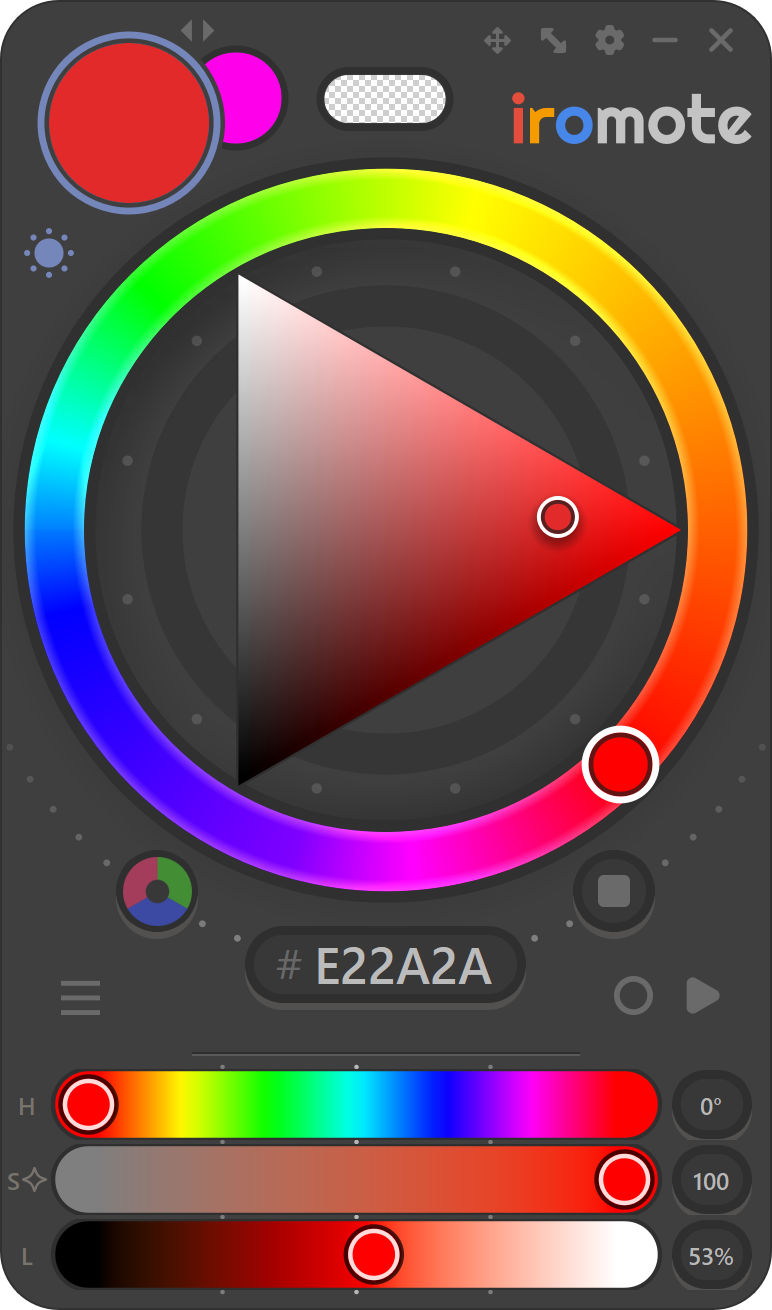
Some more stuff to help you stay focused on your art.
Hide the sliders with one tap and keep just the wheel. More room for your canvas.
Your pen lands right on pure neutrals and key edges. No pixel-hunting for gray.
Keep the RGB wheel you know, or switch to the painter's RYB wheel. It's there if you want it.
Classic or Advanced. Pick the calculation that suits the way you paint.

Comes in 75 languages, like 日本語, 한국어, Español and العربية.
One license works on your desktop, laptop and tablet PC.
Try every feature free for 14 days, no card needed. If you buy and change your mind, get all your money back within 60 days.
Windows 10 & 11 · CSP Pro & EX · macOS coming soon
Already purchased?
Secure checkout by Paddle, our reseller. Prices in USD; your local tax is added at checkout.
Not yet. We're working on a Mac version. We can't wait to share it!
For now, iromote runs on Windows 10 and 11.
Yes. iromote works with both Pro and EX, version 1.12 or later.
Up to 3 computers for personal use with one license, such as a desktop, a laptop and a tablet PC. You can manage your devices anytime within the app.
iromote asks for a license key to continue. The trial never asks for a credit card, so you are never charged automatically.
You get a 60-day money-back guarantee, no questions asked. Email hello@iromote.com and we'll refund you in full. See the refund policy.
Nothing stops. You keep every version released during your year, forever. If you want the newer ones, renew your updates for $13.99 a year, any time you like.
Enter the email you bought with and we'll send your license key again.
Moved to a new PC? Enter your email and key to free up your activations.
Want your money back? Get a refund (within 60 days)
Your license key is on its way to your email. It takes a minute; check your spam folder too.